Browser-based asset pipelines streamline collaborative prototyping sessions between remote mobile and desktop game creators
Zara Patterson · Jul 18, 2026
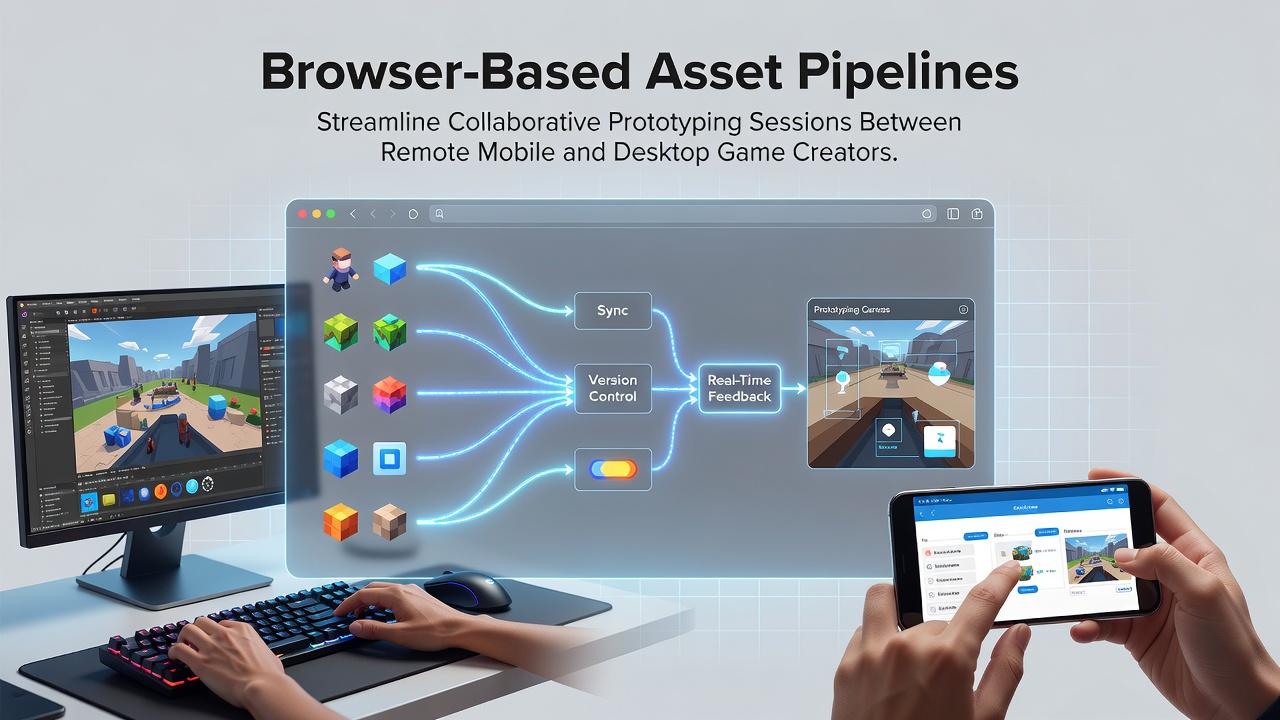
Browser-based asset pipelines streamline collaborative prototyping sessions between remote mobile and desktop game creators
Browser-based asset pipelines enable game creators working across mobile and desktop environments to share and iterate on prototypes without relying on local installations or file transfers. Teams connect through web interfaces that handle asset conversion, versioning, and synchronization in real time. Data from industry reports show adoption rates climbing as distributed studios seek tools that operate consistently across device types.
Core Components of Browser Asset Systems
These pipelines integrate WebAssembly modules for running high-performance asset processors directly in browsers, allowing texture compression, model optimization, and script compilation to occur on the client side. Developers upload source files to shared cloud repositories, and the system automatically generates platform-specific variants for Android, iOS, Windows, and macOS builds. Observers note that this reduces the manual steps previously required when switching between mobile and desktop targets.
Version control hooks connect to browser dashboards where team members review changes, approve merges, and trigger automated tests. Research from academic institutions in Canada indicates that such integrations cut prototype iteration cycles by measurable margins compared with traditional desktop-only workflows. The same studies highlight how mobile creators can preview desktop assets and vice versa without leaving their primary devices.
Real-Time Collaboration Features
Live co-editing sessions allow multiple users to adjust materials, lighting parameters, and animation timelines simultaneously. Changes propagate through WebSocket connections, and conflict resolution algorithms flag overlapping edits before they reach the shared repository. In July 2026, several distributed studios reported using these sessions to finalize mechanics ahead of internal milestones, with participants joining from different continents during overlapping work hours.
Asset locking mechanisms prevent simultaneous edits on the same file while still permitting parallel work on dependent components. Notification systems alert contributors when dependencies update, keeping everyone aligned without constant manual checks. Those who have implemented these features report smoother handoffs between mobile and desktop specialists.
Platform Integration Examples
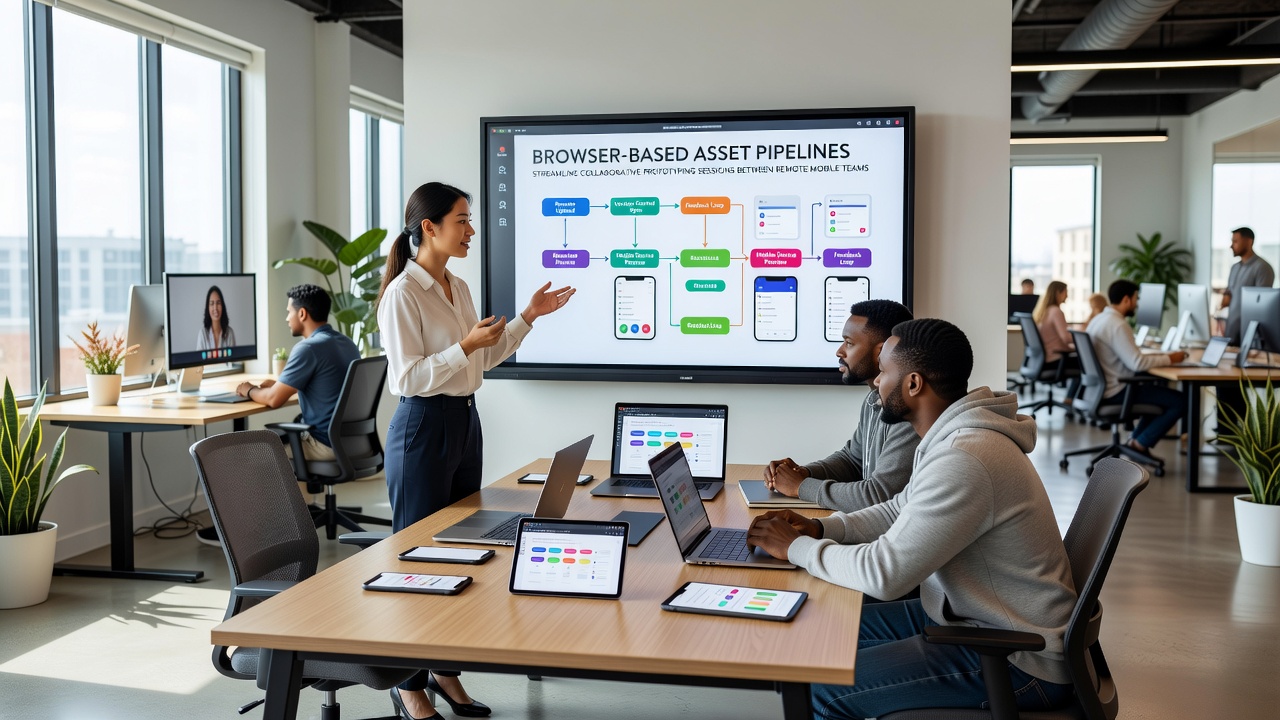
One documented case involved a studio coordinating between European mobile specialists and North American desktop engineers. They used browser pipelines to maintain a single source of truth for character models and environment meshes. Automated export scripts generated mobile-optimized LODs and desktop high-resolution versions from the same base assets. Figures from the Entertainment Software Association reveal rising interest in similar setups among mid-sized teams seeking to expand geographic reach.
Another project incorporated browser-based testing environments where prototypes ran directly in web views on target hardware. Mobile devices accessed the same session links as desktop browsers, enabling side-by-side performance comparisons. Researchers at Australian universities have tracked these testing patterns and noted consistent reductions in cross-platform bugs discovered late in development.
Security and Access Controls
Browser pipelines enforce role-based permissions that limit asset visibility and editing rights according to team structure. Audit logs record every upload, modification, and export action, supporting compliance requirements common in larger productions. Encryption standards applied during transit and at rest align with guidelines issued by regulatory bodies across multiple regions.
Single sign-on integrations connect to existing studio identity providers, reducing friction for contributors who already manage multiple project accounts. These controls scale with team size while preserving the lightweight nature of browser access.
Emerging Standards and Adoption Trends
Industry organizations such as the International Game Developers Association have hosted sessions examining how open web standards influence asset interchange formats. Presentations in recent cycles covered extensions to glTF and USD that improve compatibility with browser runtimes. Data compiled by European trade groups shows accelerating use of these standards in projects involving both handheld and desktop hardware.
Training resources now include browser-specific modules that teach asset pipeline management without requiring separate software licenses for every participant. This accessibility supports smaller studios and educational programs that previously faced barriers to entry.
Conclusion
Browser-based asset pipelines continue to reshape how remote teams handle prototyping across mobile and desktop platforms. The combination of real-time synchronization, automated conversions, and accessible interfaces supports workflows that span device types and time zones. Continued development of web standards and integration tools points toward broader implementation in coming development cycles.